Main Build, Part 2
Authentic Floppy Drives
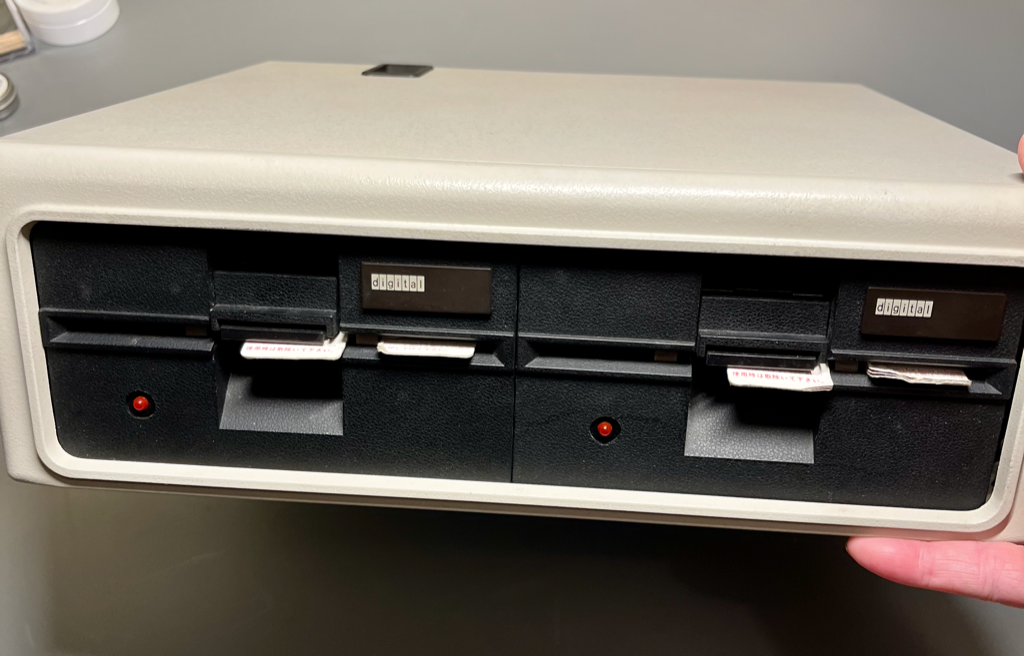
In order to attach floppy drives to an Altair, one must first have some floppy drives. I got this DEC RX-180 on eBay with no real expectation that it would work, but it wasn’t super hard to get it going. These are single-sided, single-density drives that give you about 90k each using the Altair Minidisk adapter (or in my case the FDC+ in Minidisk mode).
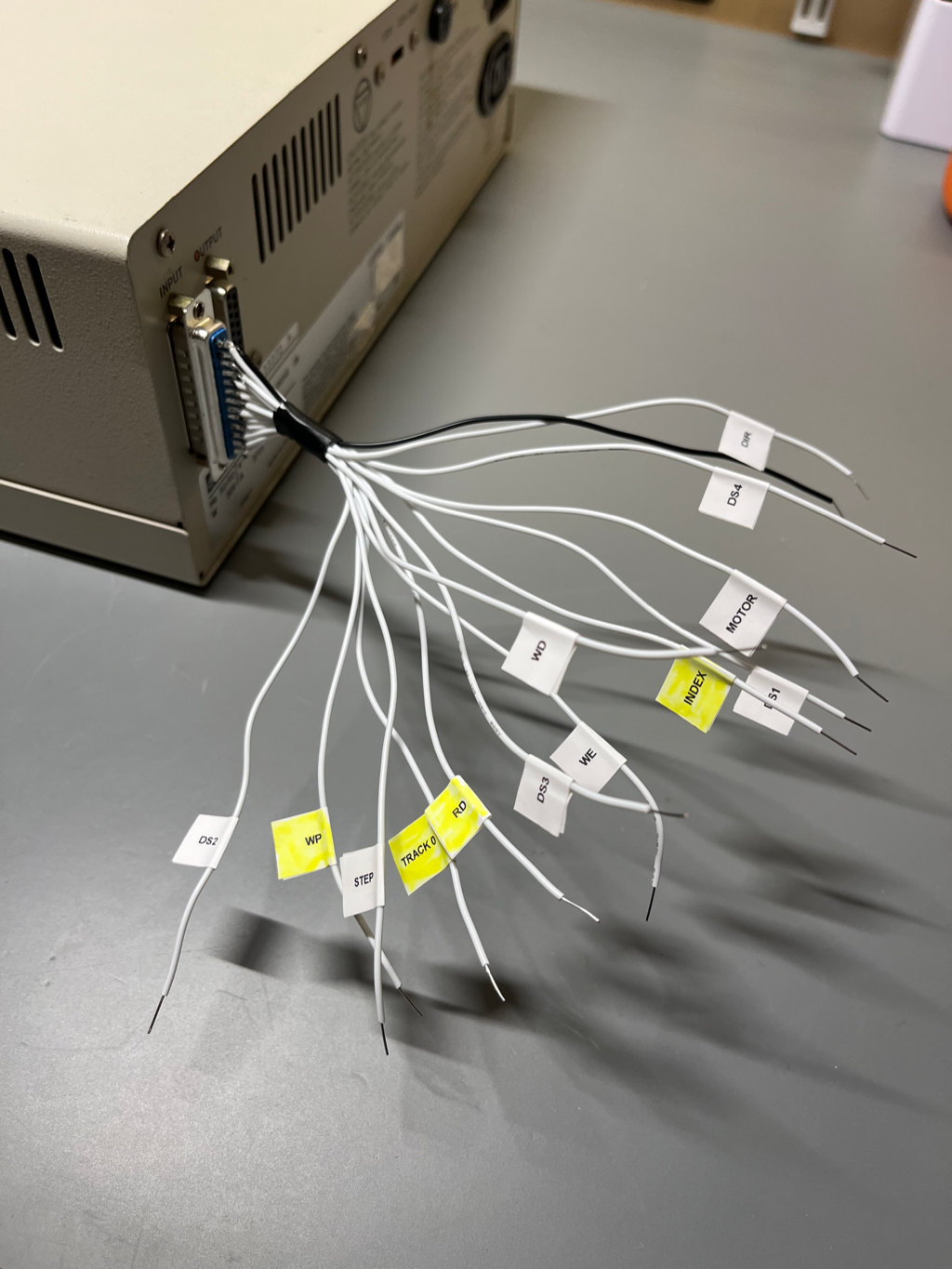
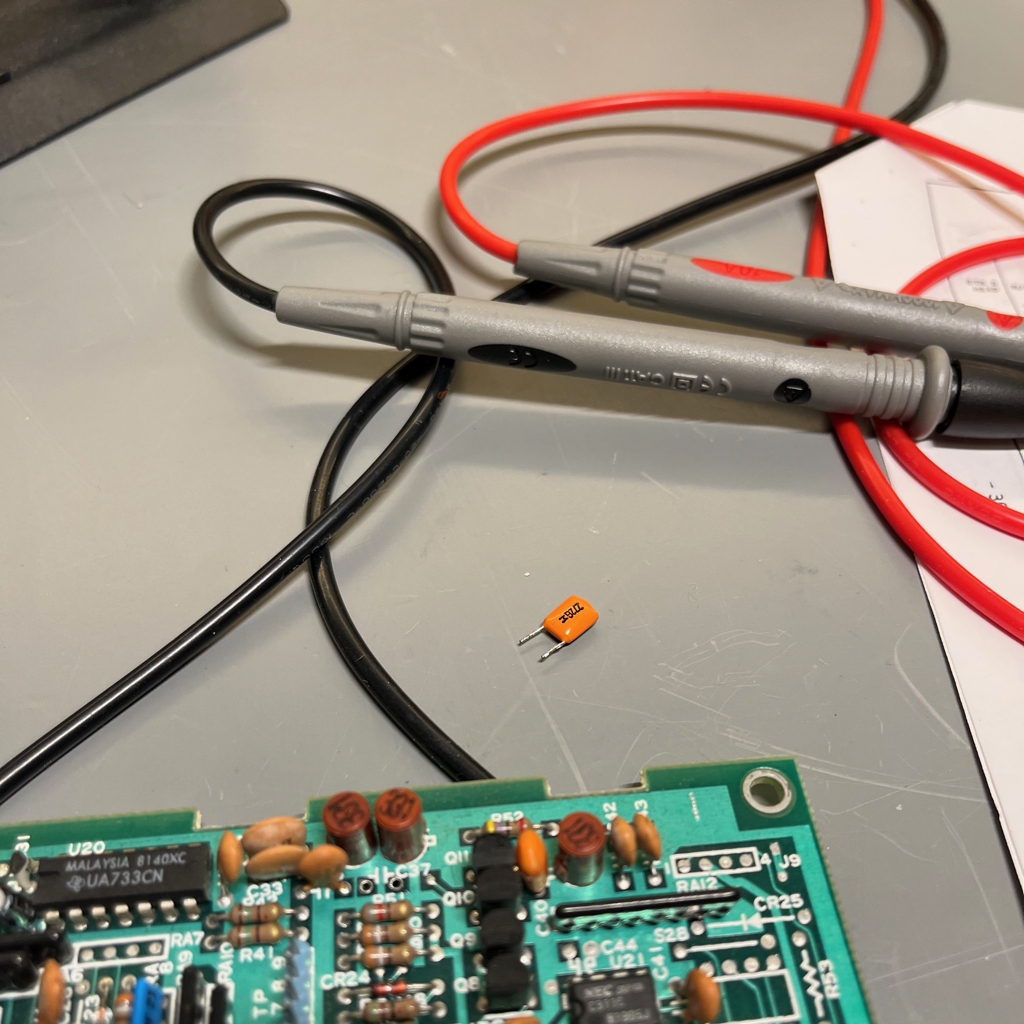
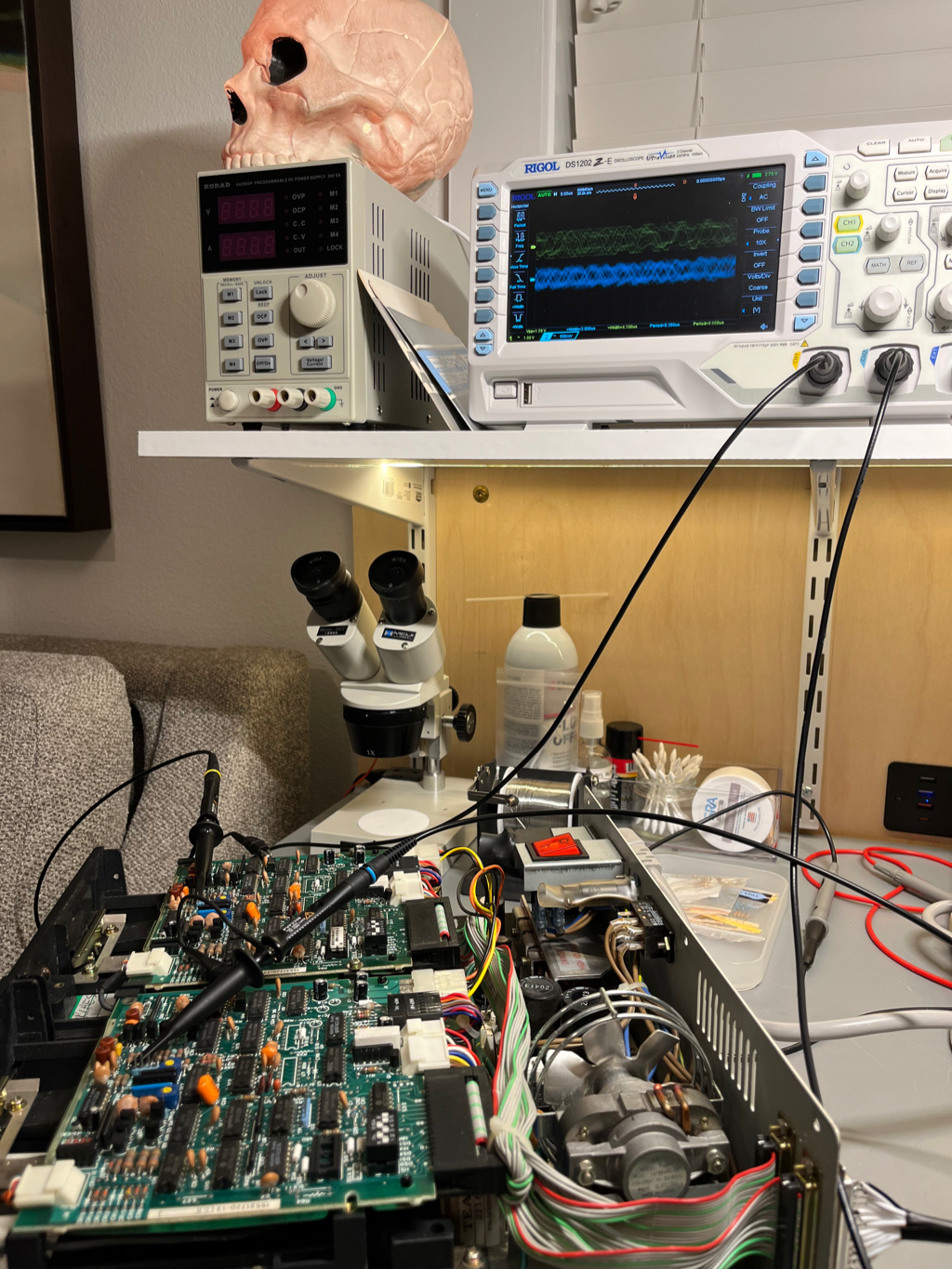
The rear connector is a DB-25 instead of a ribbon cable, which is much nicer to work with when you’re running cables around in a rack, but I had to figure out what was connected to what. It turns out they used the same pin numbering as on the standard ribbon connector, so it ended up not being a big deal. Other than a shorted tantalum capacitor and the drives being out of alignment it ended up being pretty easy to get going.
Bootstrapping
So, the most interesting part of this process (to me) was bootstrapping. I have a computer that can boot from floppy (via the EEPROM bootloader) and I have a pair of floppy drives, but I don’t have a boot disk. Fortunately Mike Douglas (again) wrote an Altair program called pc2flop, which is assembled for various disk adapters (I chose the Minidisk version). Assuming you can get this program to run somehow, it lets you send a flux image via XMODEM and streams it directly onto a floppy for a perfect copy.
To get it running I hooked up minicom on my Mac to the first serial port and started up the ROM monitor. From there I was able to tell the monitor I wanted to load a program in Intel Hex format, then used minicom to send pc2flop.hex as a straight ASCII transfer, as if I were typing it in. Once it was in I jumped to 0x100 and was up and running. I made a bunch of disks from various images available online.
At this point I could boot Disk Basic and various flavors of CP/M.
Inauthentic Floppy Drives
At some point I started trying to write nontrivial programs on the Altair and was immediatly hitting the limits of the low-density disks. Not wanting to invest in 8" drives and the associated suffering, I instead decided to get a pair of 5.25" HD drives (Teac FD-55GFR specifically), which the FDC+ can present to the Altair as 8" drives. From the machine’s point of view there is no difference; I can write 8" flux images onto 5.25" floppies and nobody can tell the difference.
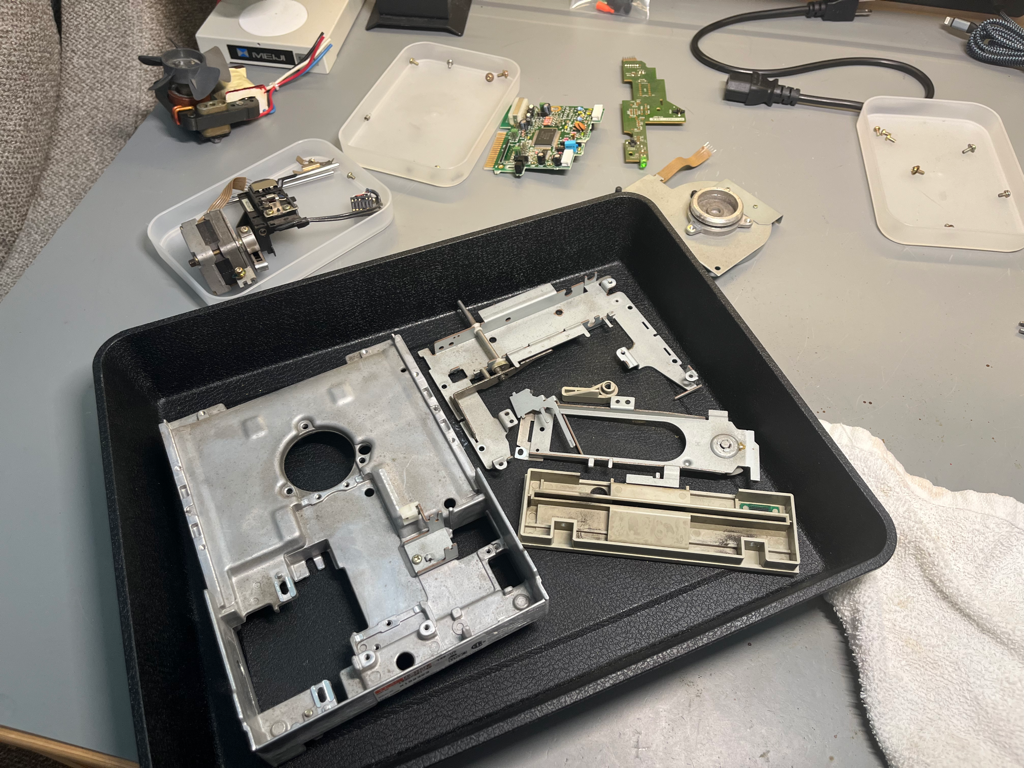
Of course the eBay drives were filthy and needed a deep cleaning, so I had to do a full disassembly.
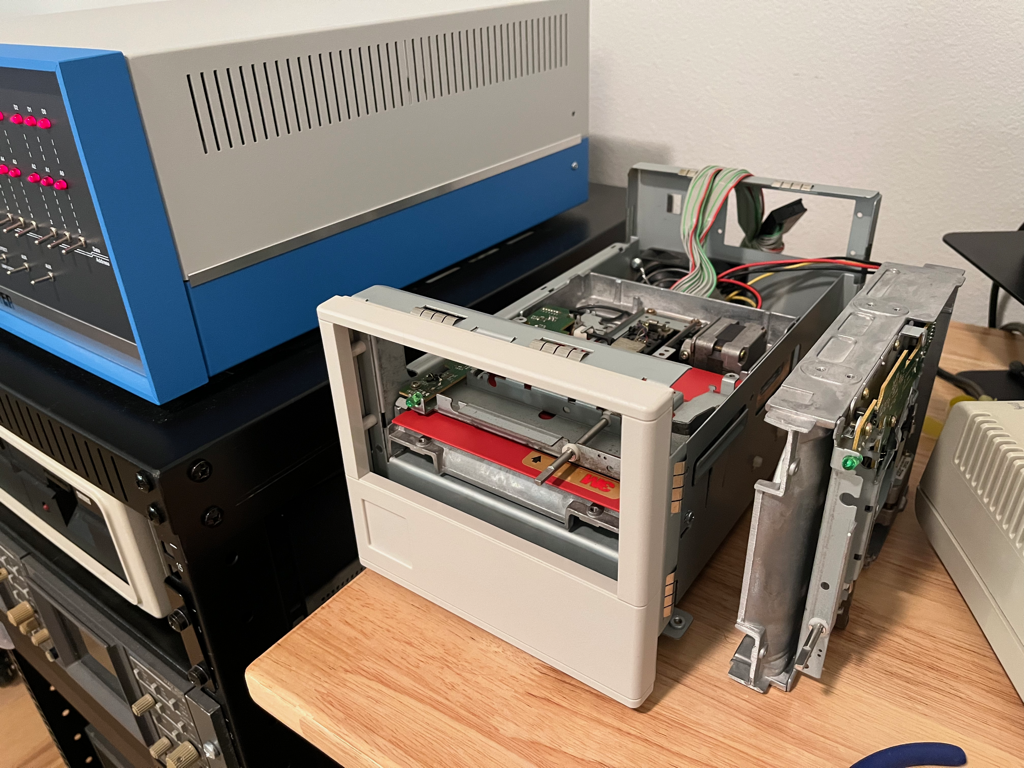
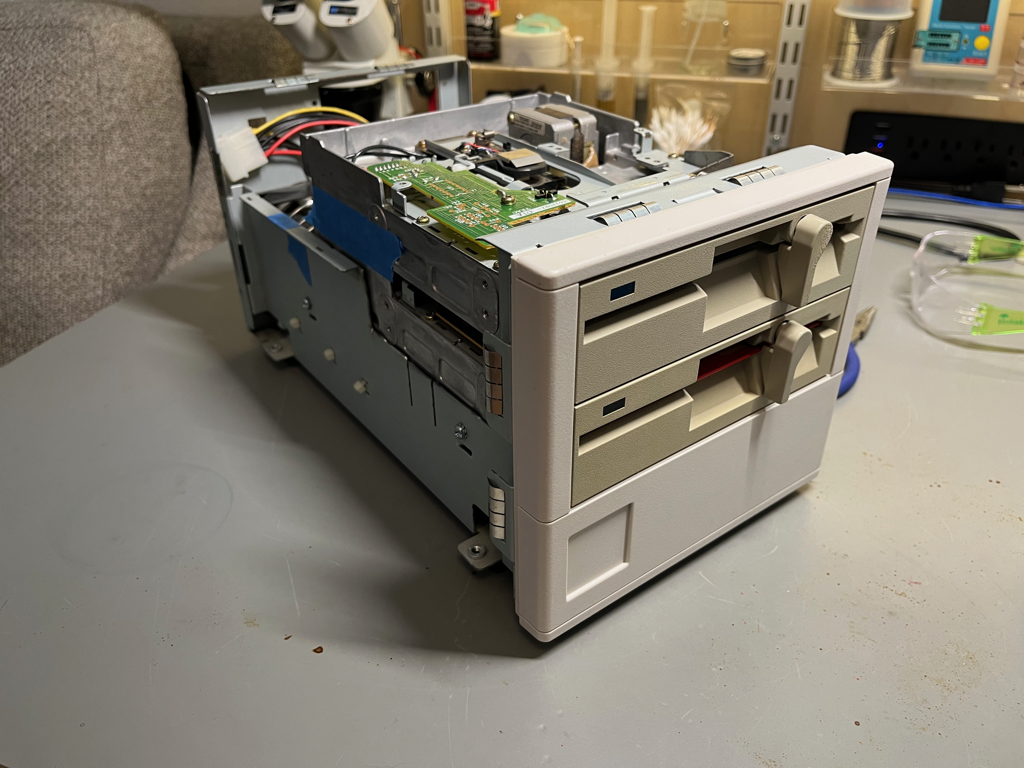
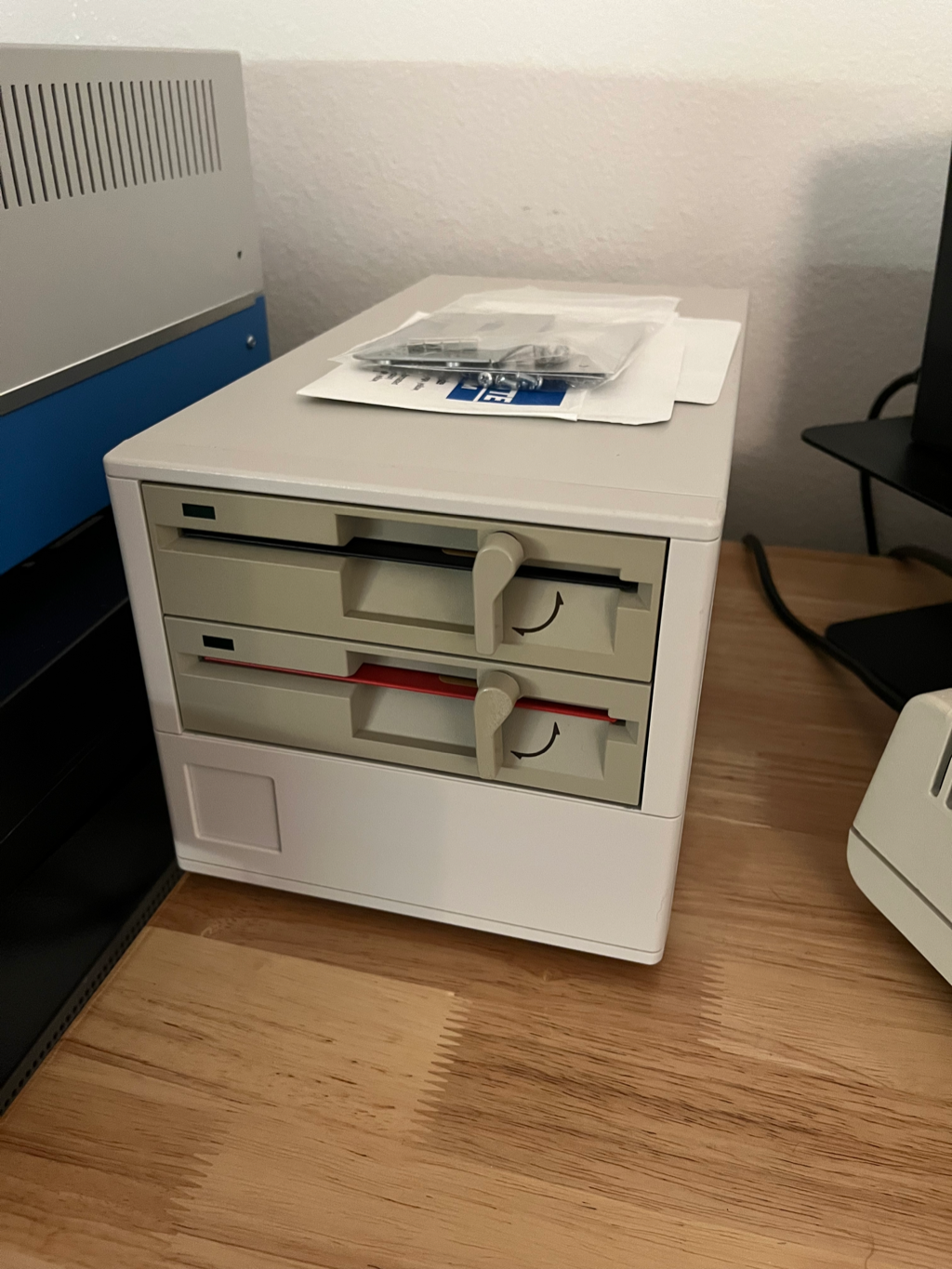
I also needed to figure out an enclosure for them, but I had an old Compaq DLT drive whith a chassis that seemed to be the right size, and with some dremeling it all came together.
An issue I haven’t been able to resolve to my satisfaction is alignment for these drives. I don’t have an alignment disk and my best efforts have yielded drives that work but are incompatible with each other. So for now what’s formatted on A: stays on A:, and the same for B:.